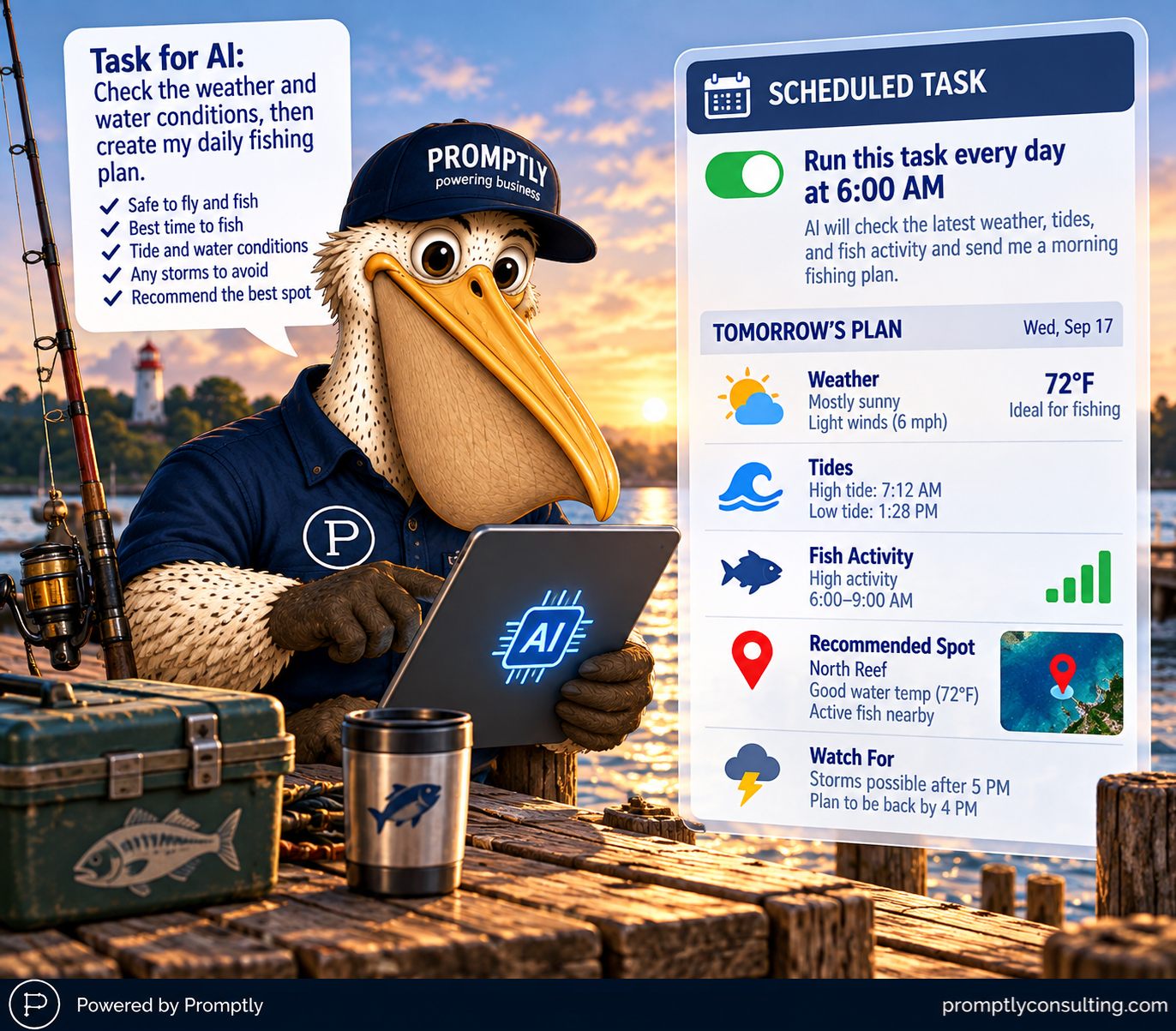
TL;DR: Stop treating AI as a chat window you visit when you're stuck. Pick one recurring task you wish someone else would handle, such as flagging unusual expenses, spotting customers who haven't reordered, or drafting next week's social posts, give the AI a clear goal, the context, and a definition of success, review the output, then schedule it to run on its own. ChatGPT, Claude, Microsoft Copilot, and Google Gemini all support scheduled or recurring work now, and most SMB teams aren't using it.
A question gets you an answer once. A job gets done every week whether or not you remember to ask.
What does it mean to "give AI a job"?
It means defining recurring work the way you'd define it for a person: the goal, the inputs, the standard of a good result, and when it's due. A question is "what should I post on LinkedIn?" A job is "every Thursday, draft five LinkedIn posts for a commercial HVAC company targeting property managers, in the voice of our last ten posts, and flag any that need a customer approval."
The difference is that a job can be repeated, measured, and eventually scheduled. A question can only be re-asked.
Which recurring task should you automate first?
Pick the one you most wish someone else would handle: low judgment, high frequency, and annoying to start from scratch. Good first candidates:
- Summarize this week's spending and flag unusual expenses
- Identify customers who haven't reordered recently
- Draft next week's social media content
- Find unanswered customer inquiries
- Turn the week's meeting notes into an action list with owners
One task. Not your whole business. Measure the time it saved, then do the next one.
How do you set it up so you can actually trust it?
Three steps, in order:
- Give it a clear goal, the necessary context, and a definition of success. "Flag unusual expenses" is vague. "Compare this week's spending by category against the trailing 8-week average, flag anything more than 30% above it, and list the vendor and amount" is a job.
- Review the results before anything gets sent, published, or paid. Keep a human between the AI and the outside world, especially for money, customers, and anything public.
- Schedule it once it's working. Not before. Run it manually two or three times, fix the prompt each round, and only automate the version you'd be comfortable defending.
Frequently asked questions
Can AI tools run tasks on a schedule?
Yes. ChatGPT, Claude, Microsoft Copilot, and Google Gemini all offer some form of scheduled or recurring task, and Microsoft 365 Copilot and GitHub Copilot added scheduled agent runs in 2026. The capability is already included in subscriptions most businesses pay for.
How do I measure the time saved?
Time the task by hand once before you automate it, then time your review of the AI's output afterward. The gap is your savings per run. Multiply by how often the task recurs to decide whether it's worth refining further.
Should AI send emails or pay invoices on its own?
Not at the start. Automate the preparation, such as the draft, the flagged list, or the summary, and keep approval with a human for anything that spends money or reaches a customer.
What makes a task a bad fit?
Work that changes shape every time, depends on judgment you can't write down, or needs data the AI can't reach. If you can't describe what a good result looks like in a few sentences, it's not ready to be a job yet.
Key takeaway
Don't automate your business on day one. Give AI one job, measure what it saved you, then give it another. That's how busy work turns into time for valuable work.
At Promptly, we help businesses leverage AI to work more efficiently and effectively. Reach out or visit promptlyconsulting.com to learn more.